AI awareness training for employees: a topic checklist
AI awareness training for employees should cover ten topics, from data handling and checking output to bias and reporting incidents. Here is the checklist, with a real case for each risk.
5 min readEmeri editorial
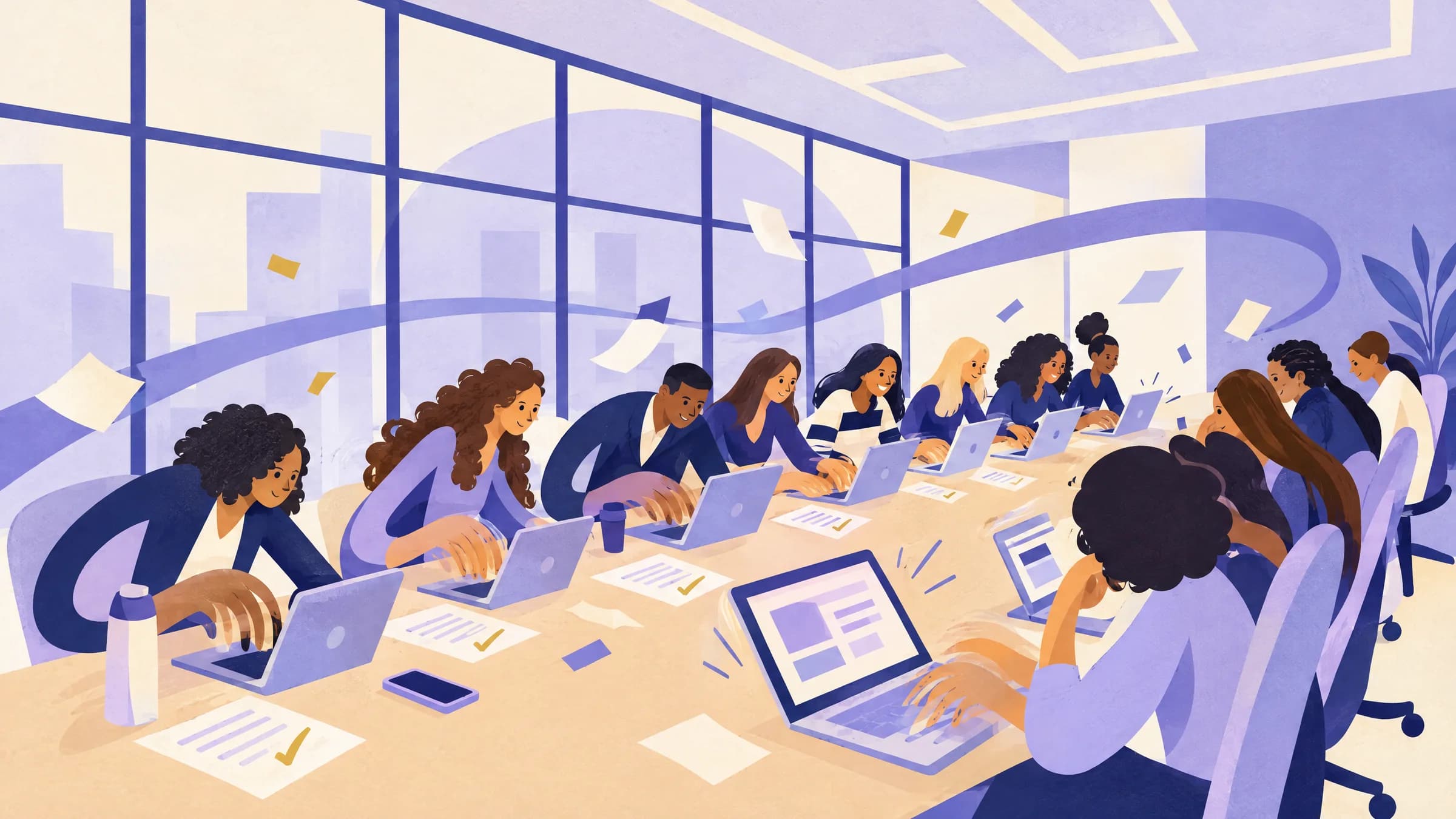
AI awareness training for employees is a short session of 60 to 90 minutes for every staff member. It does not teach people to use AI well. It teaches them what can go wrong, what the rules are, and what to do when something breaks. The ten topics below cover the main risks.
Awareness training matters even where staff have no approved AI tools. In Microsoft's 2024 Work Trend Index survey of 31,000 workers in 31 markets, 75% of knowledge workers said they used generative AI at work. Of those users, 78% brought their own AI tools to work (Microsoft).
The checklist
- How AI tools fail
- Which tools are approved, and for what
- What data stays out
- Checking the output
- Who is accountable for the result
- Bias and unfair outcomes
- Over-reliance
- Security threats that use AI
- Copyright and ownership
- Disclosure and reporting incidents
NIST's Generative AI Profile (NIST AI 600-1, July 2024) lists 12 risks that generative AI creates or makes worse (NIST). Several of the topics below follow its categories. The rest come from the day-to-day rules an employee needs.
1. How AI tools fail
Explain that AI tools can produce false content and state it with confidence. NIST calls this confabulation, known informally as hallucination (NIST). Show one real example from your own tools. A false figure in a summary of a document staff know well makes the point quickly.
2. Which tools are approved, and for what
Name the approved tools. For each one, say which tasks it may be used for, and which accounts to use. Explain why a personal account on a public tool is different from a company account: the data terms and the admin controls differ. Tell staff how to request a new tool.
3. What data stays out
NIST lists data privacy as a generative AI risk, including leaks of personal, health and other sensitive data (NIST). Give staff a short list of data that never goes into an unapproved tool:
- Personal data about customers, candidates or colleagues.
- Health, financial or other sensitive personal information.
- Confidential business information, such as unreleased results, contracts or pricing.
- Passwords, keys and access tokens.
- Source code or documents marked confidential, unless the tool is approved for them.
4. Checking the output
Teach one rule: check anything you would be embarrassed to get wrong. The best-known case is Mata v. Avianca. In June 2023 a US federal judge sanctioned two lawyers and their firm for filing a brief that cited court opinions ChatGPT had invented. The court imposed a $5,000 penalty (Mata v. Avianca). The court said using AI was not the problem. The lawyers failed to check the citations, and then defended the fake cases after the court questioned them.
5. Who is accountable for the result
Staff should know that the organization owns what its AI says. In Moffatt v. Air Canada, a chatbot on Air Canada's website told a customer they could claim a bereavement fare after travel. That was wrong. A British Columbia tribunal rejected Air Canada's argument that the chatbot was responsible for its own words. It ordered the airline to pay $650.88 in damages, plus interest and fees (Civil Resolution Tribunal).
6. Bias and unfair outcomes
NIST describes harmful bias as AI output that repeats or amplifies historical and social biases, or performs worse for some groups or languages (NIST). Tell staff where this matters most: decisions about people, such as screening candidates, writing performance reviews or answering customers. In those tasks, a human makes the decision and checks the AI's input for unfair patterns.
7. Over-reliance
NIST also lists risks from how people and AI systems interact, including automation bias and over-reliance (NIST). In plain terms, people trust a confident answer more than they should. Ask staff to notice when they accept an AI answer without reading it closely. That is the moment to slow down.
8. Security threats that use AI
NIST notes that generative AI lowers the barrier for phishing and other cyber attacks. It also makes false content easier to produce at scale (NIST). Teach staff to expect well-written phishing emails and cloned voices. Agree a rule for verifying unusual payment or data requests through a second channel.
9. Copyright and ownership
NIST lists intellectual property as a risk, because AI tools can reproduce copyrighted or trademarked material (NIST). Tell staff not to publish AI-generated text or images as final without a check. Explain who in the organization answers questions about rights.
10. Disclosure and reporting incidents
Set a clear rule for when to tell a reader or customer that AI helped produce something. Emeri’s AI use disclosure template offers wording. Then define an AI incident in plain terms, with examples:
- Confidential data went into an unapproved tool.
- AI-assisted work with an error reached a customer, a regulator or the public.
- An AI tool produced output that was offensive or unfair to a person.
- Someone used AI to impersonate a colleague or a supplier.
Give one name or one channel to report to. Say that early reports are welcome, and that reporting a mistake is expected.
How to run the session
- Keep it to 60 to 90 minutes, with one real example per topic.
- Use your own tools and documents for the examples, where the data rules allow.
- End with a short exercise: give staff an AI draft with planted errors and ask them to find them.
- Repeat a 20-minute refresher when tools or policy change.
- Record who attended and when.
For organizations under the EU AI Act, the European Commission says staff who use a general tool such as ChatGPT should learn about risks like hallucination (European Commission). This checklist covers that. The guide on EU AI Act Article 4 explains the wider duty.
After awareness comes skill
Awareness training tells people what to avoid. It does not teach them to use AI well. For that, see AI literacy training for employees. For the written rules, see how to write an AI policy for employees. Employees who want to see where their own skills stand can take the free check, which takes about 15 minutes.
Sources
- Artificial Intelligence Risk Management Framework: Generative Artificial Intelligence Profile (NIST AI 600-1). National Institute of Standards and Technology, .
- Mata v. Avianca, Inc., Opinion and Order on Sanctions, 22-cv-1461 (PKC). US District Court, Southern District of New York, .
- Moffatt v. Air Canada, 2024 BCCRT 149. Civil Resolution Tribunal of British Columbia, .
- AI at Work Is Here. Now Comes the Hard Part (2024 Work Trend Index). Microsoft and LinkedIn, .
- AI Literacy - Questions & Answers. European Commission, .
Researched and drafted with AI. Checked against the sources above and approved for publication by Emeri’s editor. Read our editorial standards.
Every piece we publish is tried on real work and scored against the Emeri standard. See where your own skills stand with the free 15-minute check.
Get Emeri Weekly
AI for business, tested on real work. New tools, releases and how-tos, each tried on a real task and scored. One email a week.
We email you once to confirm. Unsubscribe in one click from any issue. See our privacy policy.
Related reading
Guide
AI literacy training for employees: curriculum, hours and how to check it worked
A workable AI literacy program for employees runs about six to ten hours, split into short modules with hands-on practice. Here is a curriculum, the formats that fit, and how to check learning.

Guide
How to build an AI competency framework for employees
An AI competency framework for employees needs three parts: the skills, the levels, and the evidence for each level. Here is how to build each one, with public frameworks to borrow from.
Guide
AI certification for HR professionals: SHRM, HRCI and AIHR compared
SHRM, HRCI and AIHR each sell an AI credential for HR staff. Here is what each costs, how it is assessed, and the hiring laws that limit how HR can use AI.